Video editing.
Without the drag.
A native Windows video editor for short-form creators. Rust under the hood, AI on your machine, no cloud required.
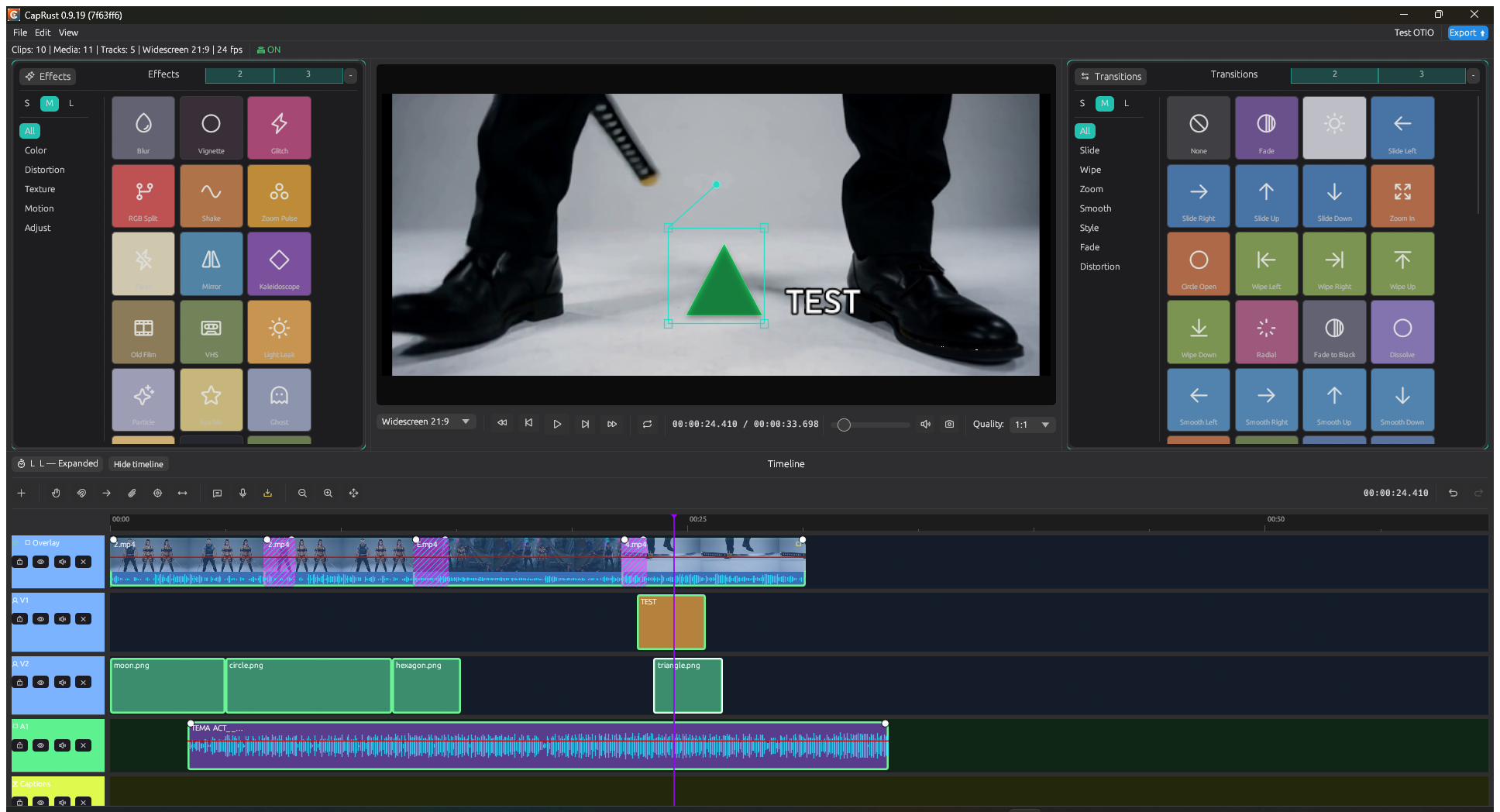
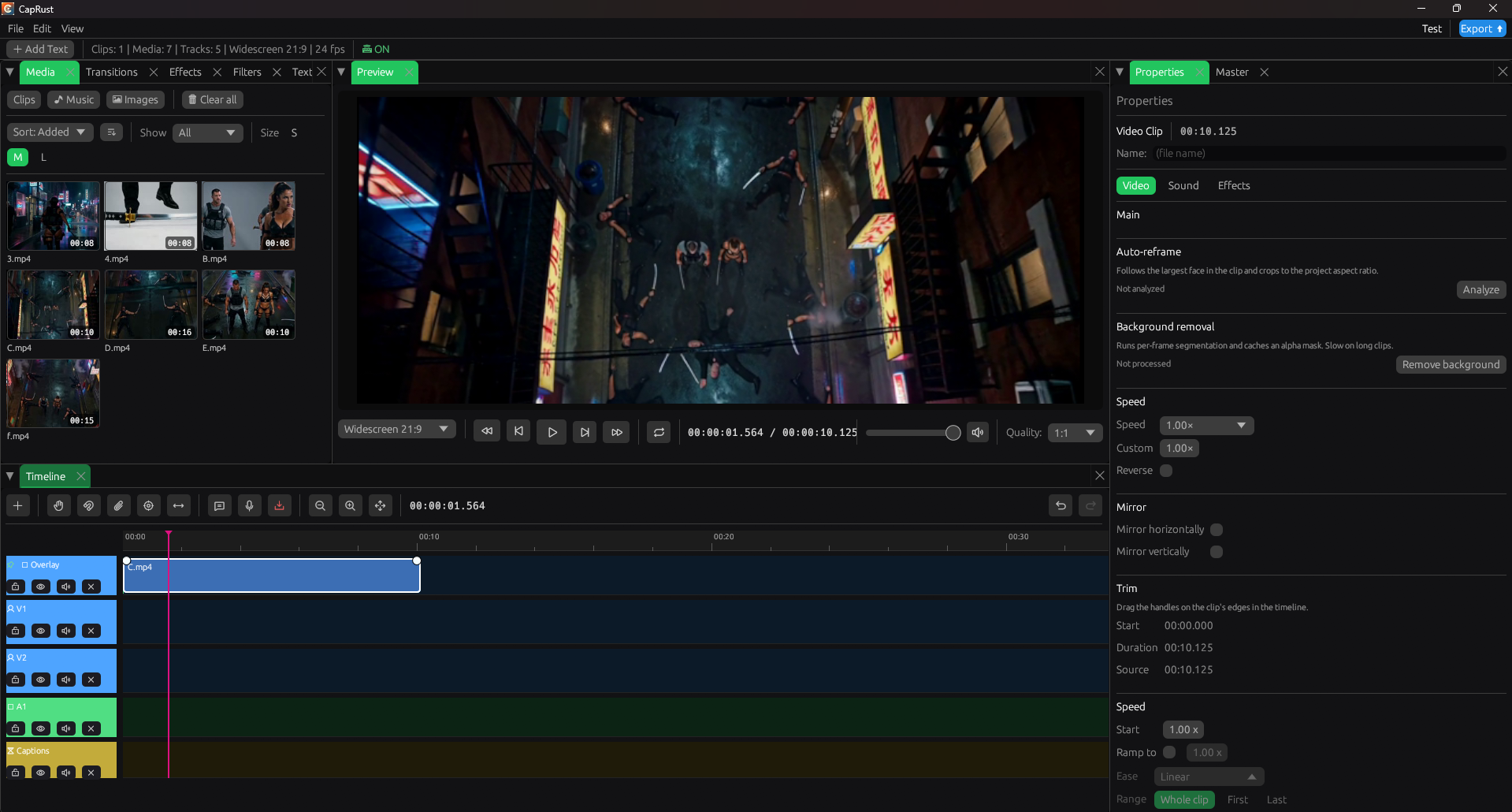
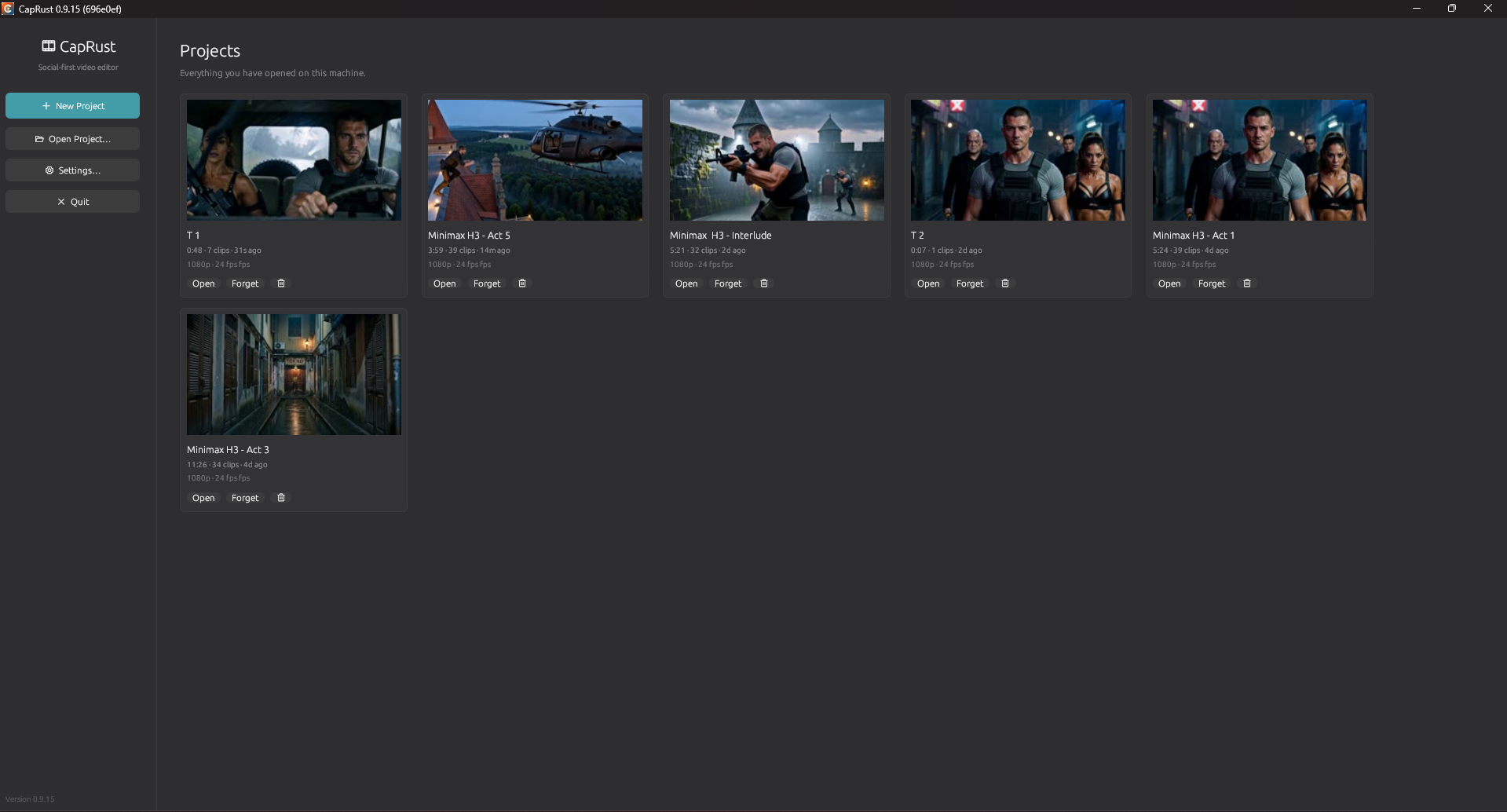
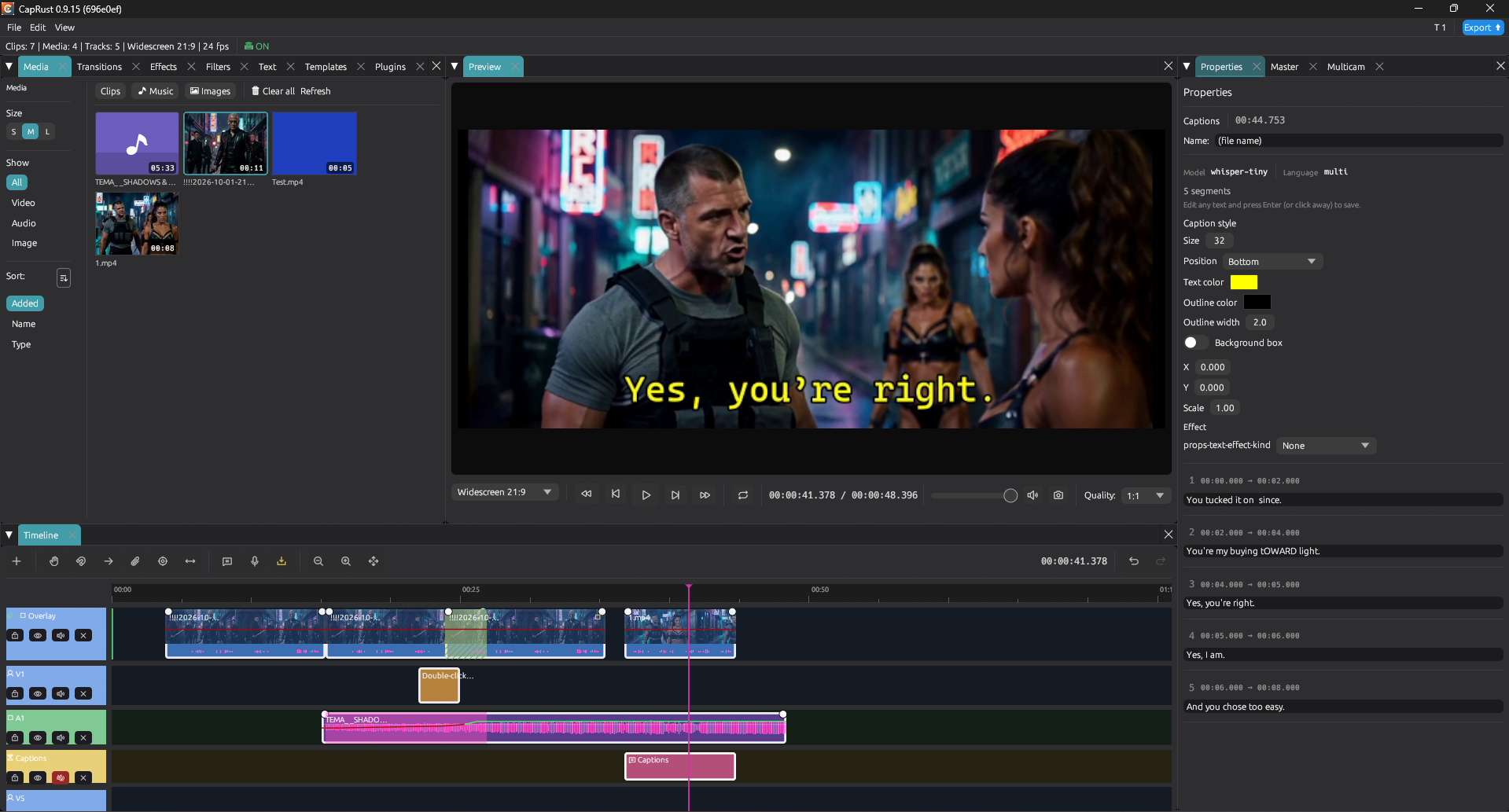
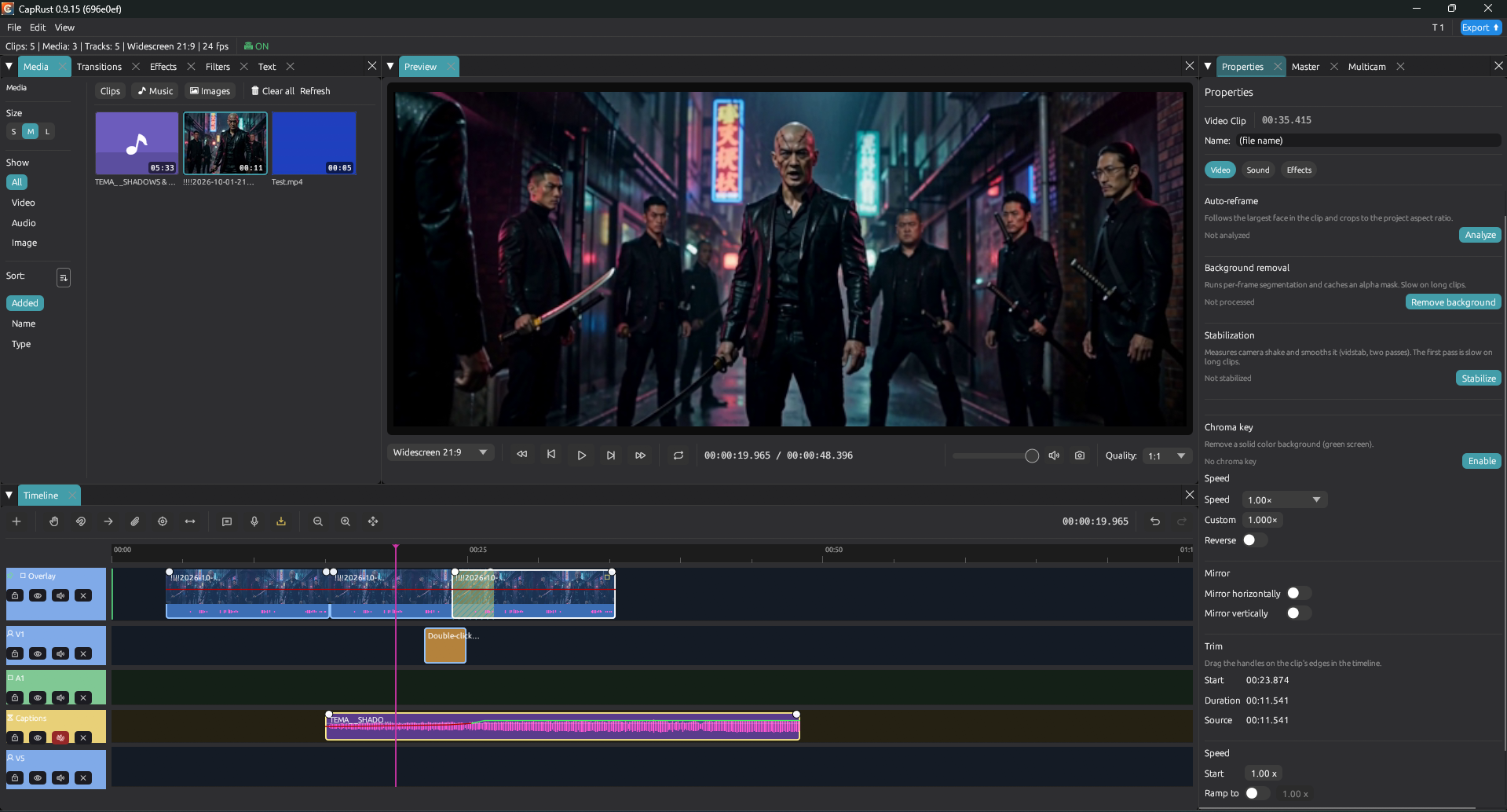
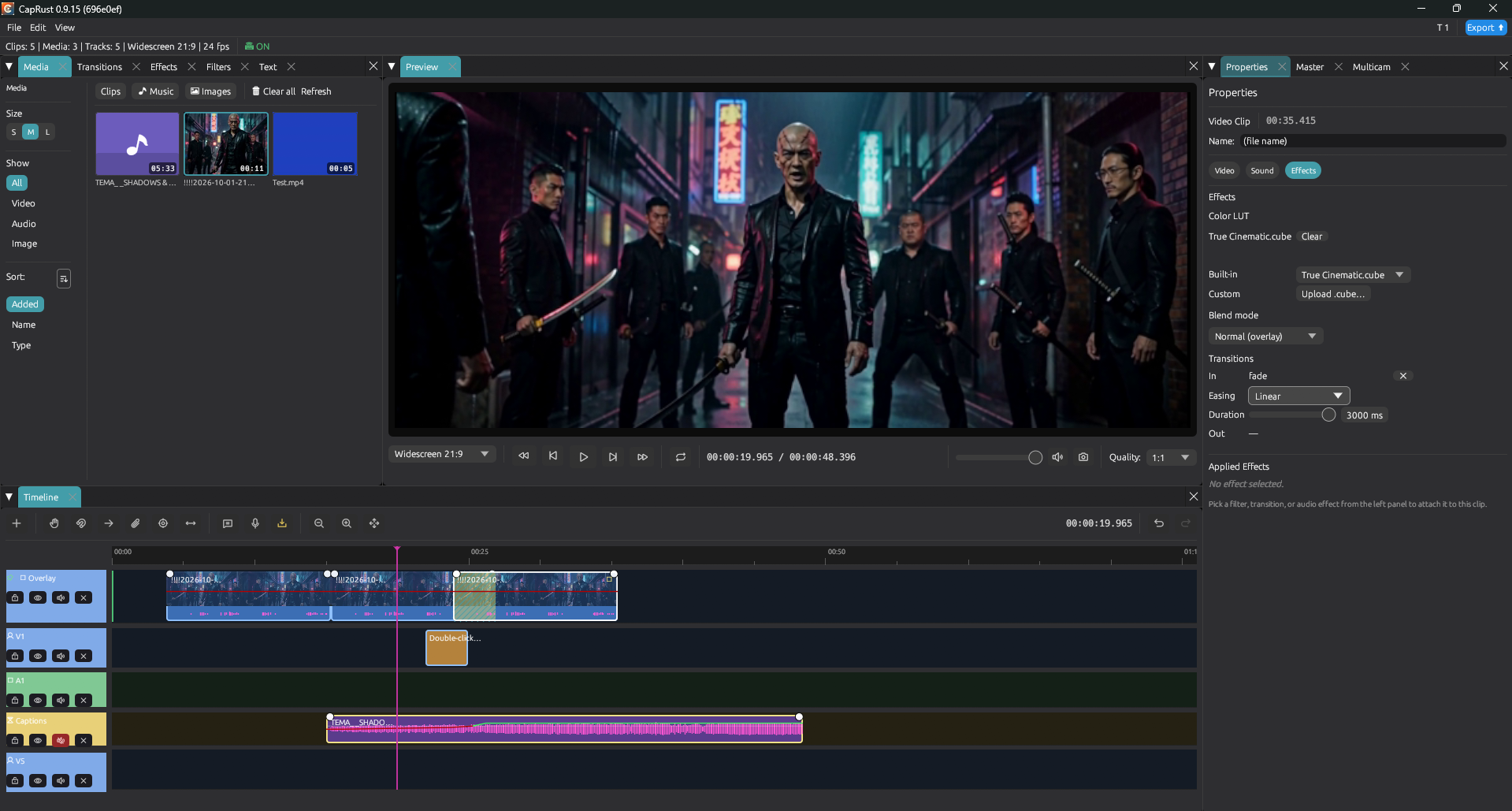
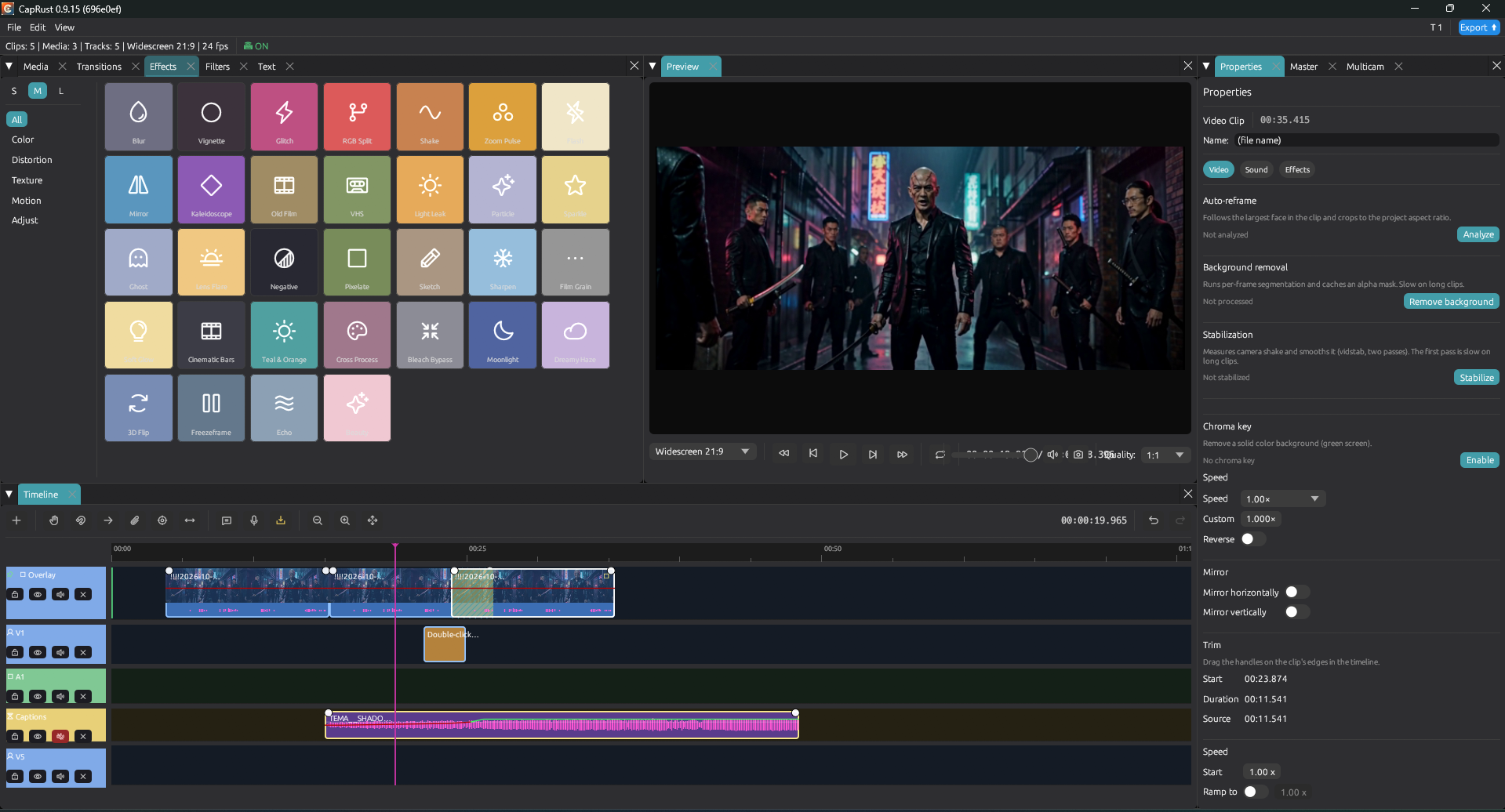
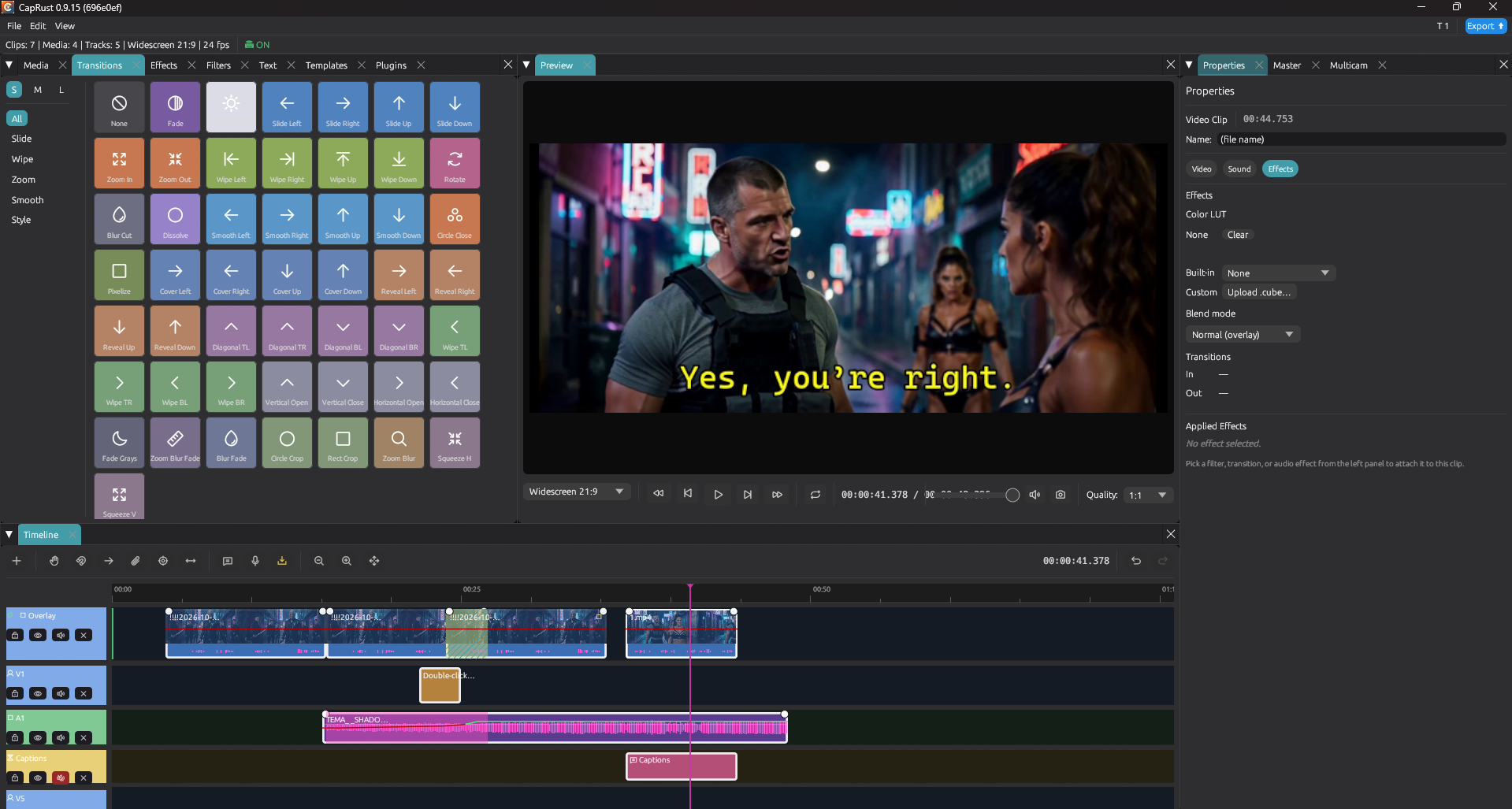
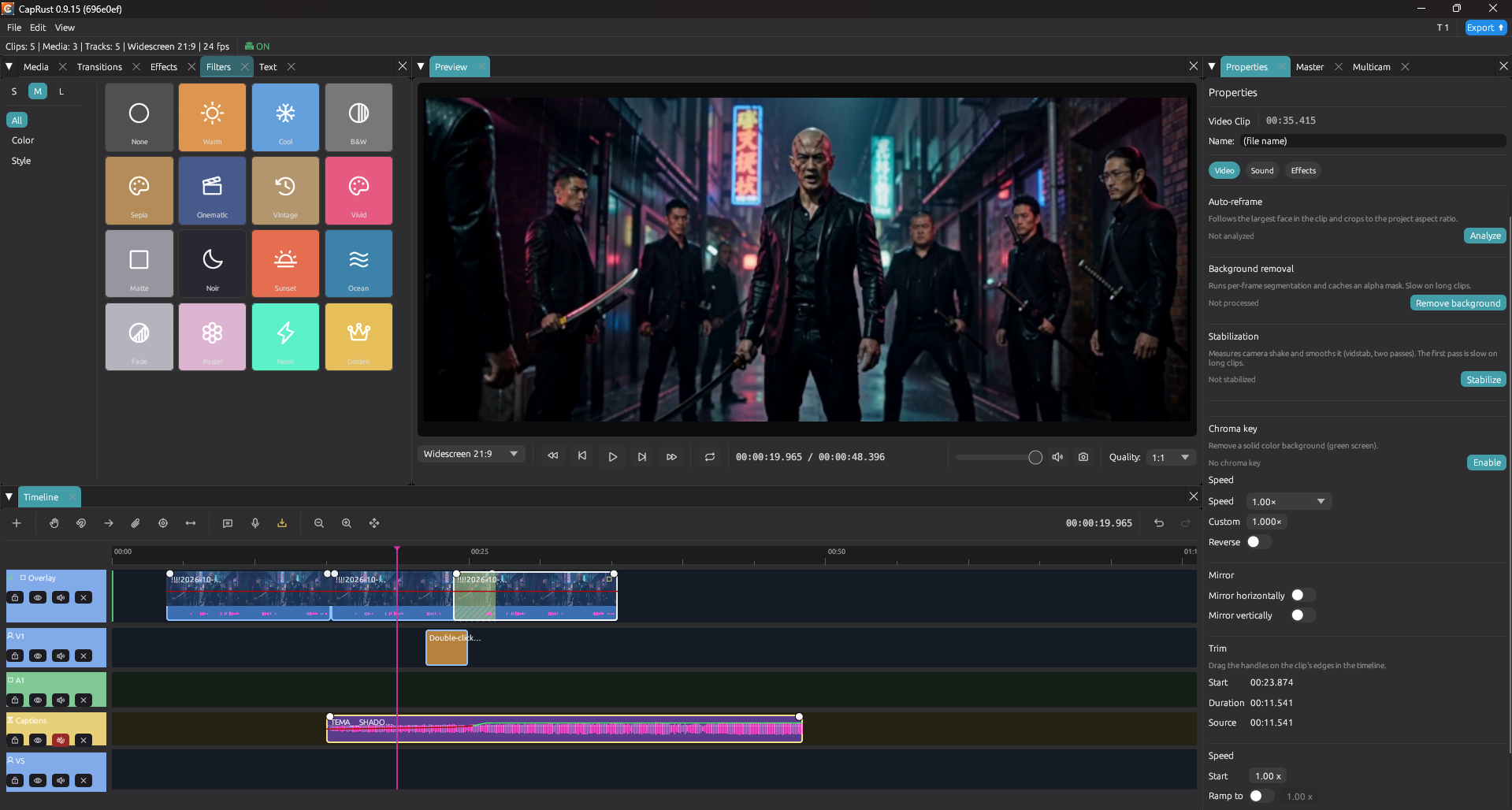
Built for short-form creators
Everything you need for TikTok, Reels and Shorts — nothing you don't.
Native and fast
A single binary built with Rust and egui. Starts in under half a second, uses a fraction of the RAM of an Electron editor.
AI captions, on device
Whisper generates captions locally. Word-level timings drive a karaoke-style progressive reveal. No audio leaves your machine.
Auto-reframe
SCRFD face detection follows the speaker and keeps them centred when you switch from landscape to 9:16.
Magnetic timeline
Ripple delete, snap, trim-follow playhead, multi-select drag, transitions with xfade. It just works.
Audio that behaves
Fade handles on the waveform, volume keyframes, auto-ducking against music, segmented speed ramps with synced audio.
Screen recording
Record a monitor straight into the media bin. Native DXGI Desktop Duplication, cursor overlay, no OBS or virtual device.
Multi-camera
Group 2+ clips as camera angles, switch between them from a dock panel, and auto-sync the audio via envelope correlation.
Hardware encoding
NVENC and AMF on top of the CPU path. Probed at runtime; the export dialog offers only encoders that open on this machine.
CLAP plugin hosting
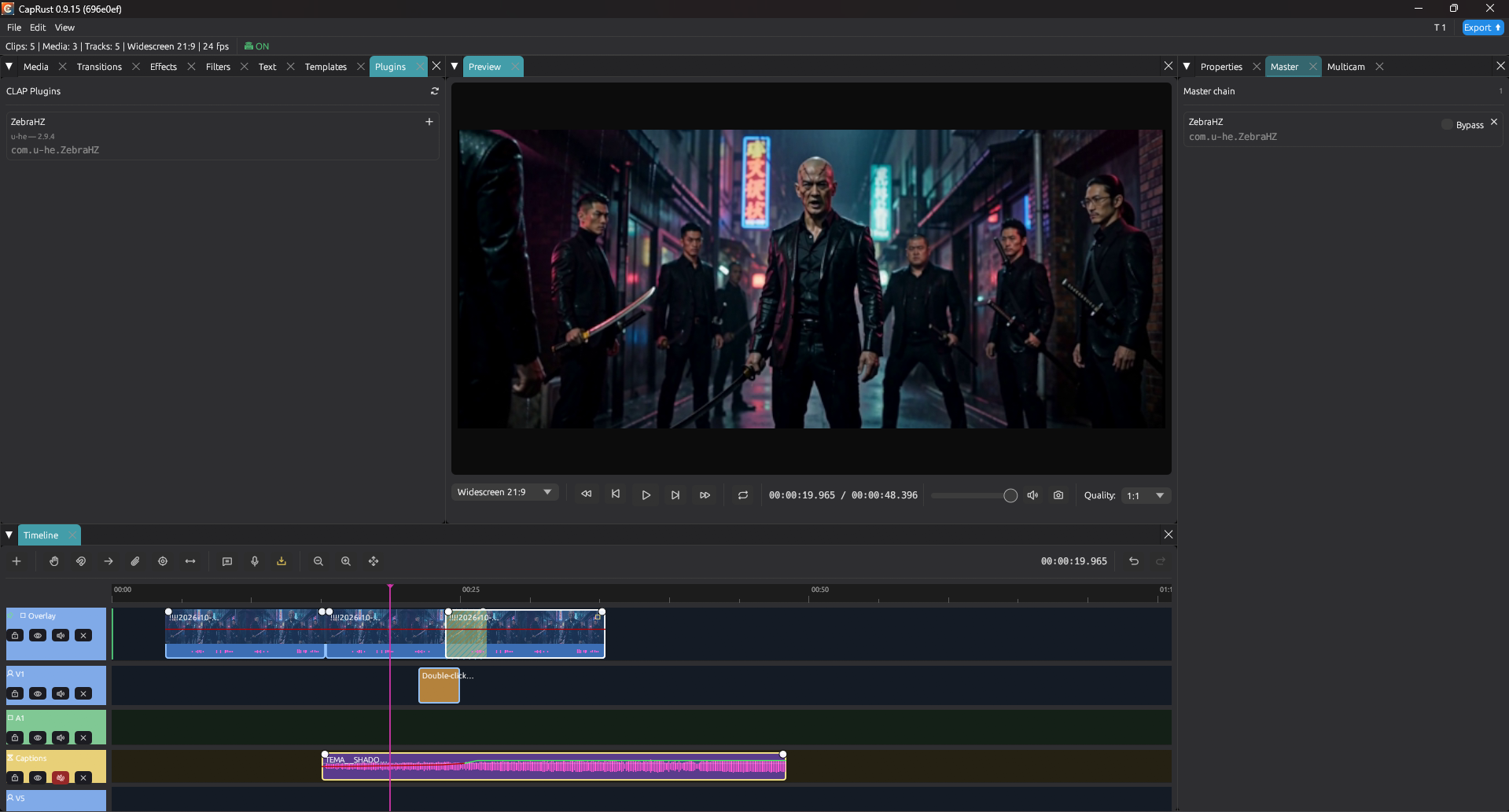
Load your favourite CLAP plugins on the master bus. Verified with u-he ZebraHZ 2.9.4.
MCP server
Drive the editor from Claude Desktop, Cursor, or your own phone through a Model Context Protocol server. 27 tools, undo-stack integrated. Off by default; one checkbox opens it to your local network.
Chroma key
Green screen in one click. Per-clip key colour, similarity, and edge blend. Preview and export share the same filtergraph.
Stickers
108 bundled PNGs in 8 categories. Drag one onto the frame to place it, size it, turn it, or give it one of four animations. The preview draws them, so it is instant and does not depend on the preview quality.
Keyframed movement
A Trajectory tab for text and for stickers: mark where the thing is at which moment and it moves there. Move it on the frame and the keyframe under the playhead follows.
Settings that travel
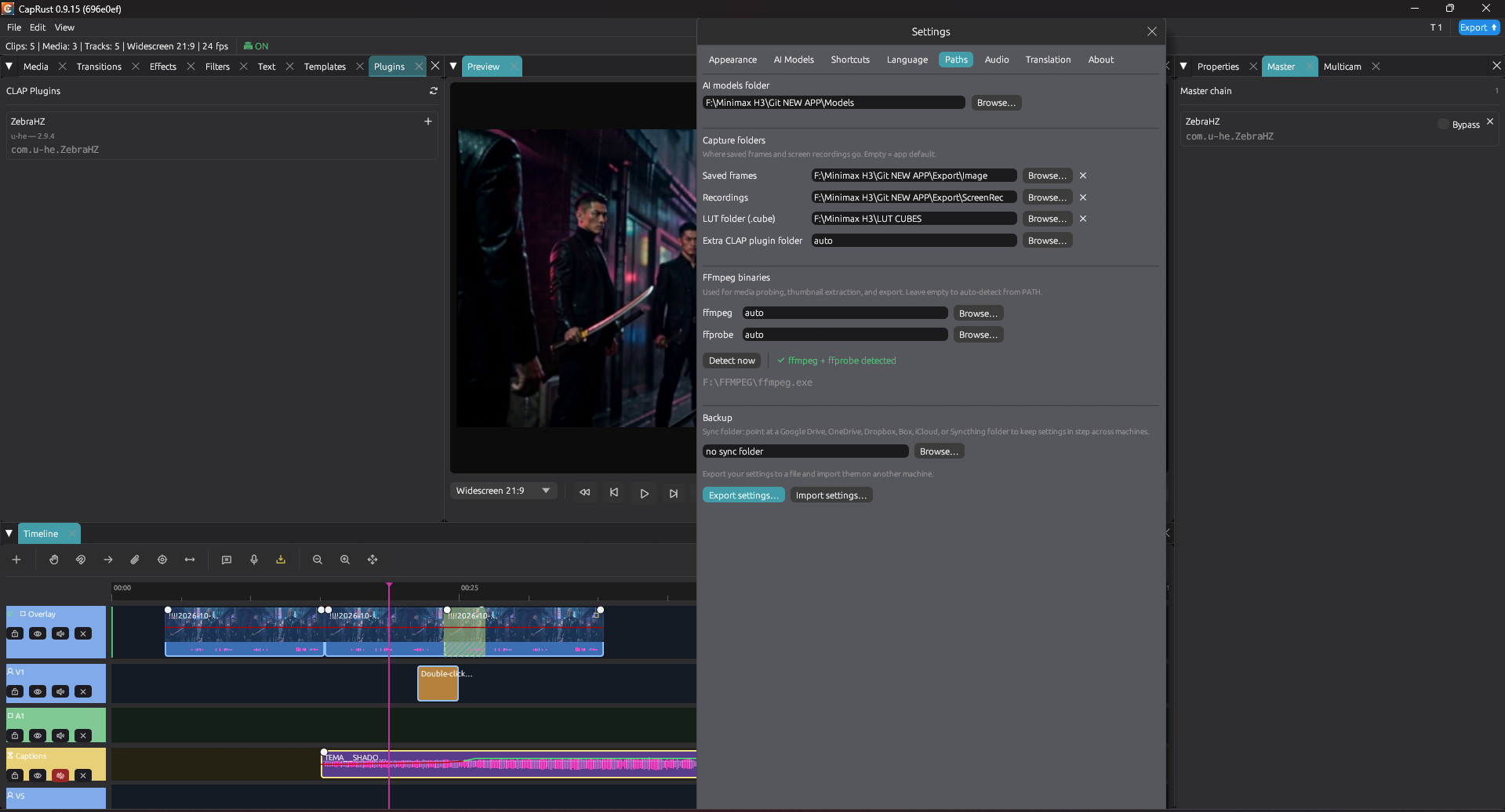
Point CapRust at a Drive, OneDrive or Dropbox folder and it keeps settings in step across machines.
Plugin system
CLAP plugins on the master bus, importers discovered from a JSON manifest, and a JSON-RPC bridge. Drop a plugin in a scan folder and it shows up, no reinstall.
Layout modes
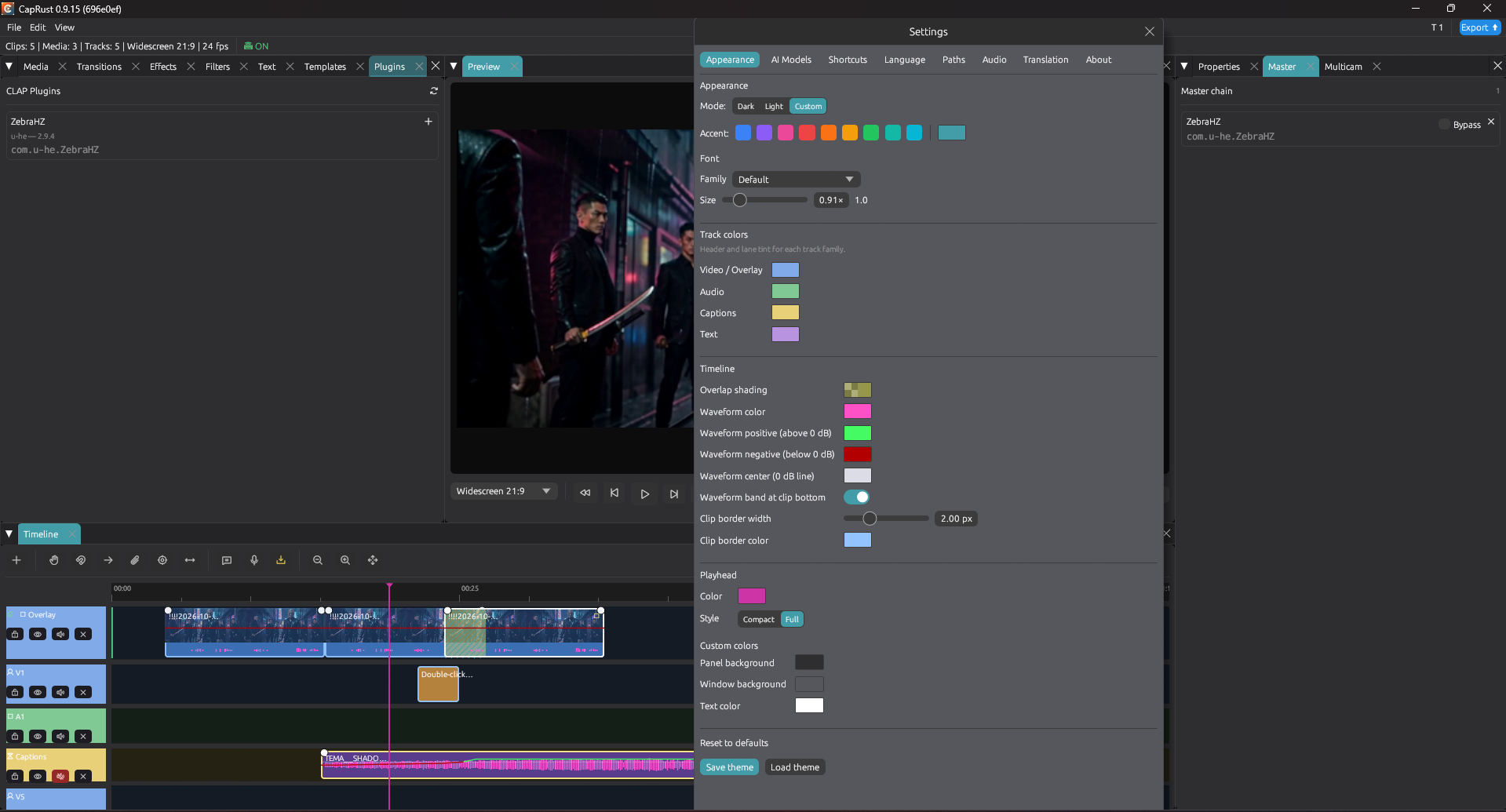
Two editors, one project. Default is the dock — every panel is a tab you can drag anywhere. Modern is fixed — six zones, nothing to rearrange.
Tab layouts
Media bin with or without the filter sidebar, and a Modern layout where each zone picks its panel from a dropdown instead of holding whatever was dragged there.
Download CapRust
v0.9.35 brings MobileSAM object removal and LaMa inpainting on the unified `InferenceSession` with opt-in CUDA (NVIDIA) and DirectML (AMD) GPU backends. Released as three Windows variants — standard (~27 MB), CUDA (~50 MB), DirectML (~50 MB) — each as a portable EXE, Inno Setup installer, and ZIP. Plus Linux .deb and Android APK.
↓ Download v0.9.35 for WindowsSHA-256 for each release is on the release page.
All releases · Windows 10 1809+ · 64-bit · MIT license
Frequently asked
Is it free?
Why only Windows?
Where is FFmpeg?
ffmpeg.exe and
ffprobe.exe as subprocesses. On first run, if neither is
on your PATH, it offers to download a static
BtbN build (~110 MB) into %APPDATA%\CapRust\ffmpeg.
Do I need to download AI models?
%APPDATA%\CapRust\models. The editor works without
them.
It says "beta" — is it stable?
%APPDATA%\CapRust\crashes if anything goes wrong, and
the log is worth attaching to a
GitHub issue.
Can I control CapRust from my phone?
Ticking Settings → Paths → Allow remote control starts it. Ticking Allow devices on this network as well puts it on your LAN, and that is the point where a six-digit pairing code becomes required: valid five minutes, one try only, exchanged for a stored token you can revoke.
An Android app that speaks this protocol is built in CI and shipped through nightly builds. It is not part of this release and has not yet had a full pass on a device, so treat it as a preview. Any other MCP client speaks to the same socket — nothing about remote control depends on the phone app existing.